Dental Google Ads: How to Run Campaigns That Book Patients

Key Takeaways
- Dental search clicks average $8.00 in LocaliQ's 2026 benchmarks, the third most expensive industry in its table.
- Split emergency, implant, general and brand searches into separate campaigns so each gets its own budget and landing page.
- Negative keywords and a weekly search terms review protect more budget than any change to the bidding strategy.
- Judge every campaign on cost per started treatment, not on cost per click or cost per lead.
Dental Google Ads work when emergency, high-value treatment, general and brand searches run as separate campaigns, each with tight keywords, negative keywords and a landing page built for that search. Track calls, booked visits and started treatments, then move budget toward the campaigns that fill the schedule, not the ones with the cheapest clicks.
Google search is where patients go when a tooth hurts or a treatment decision is close. That intent makes dental clicks expensive, and it punishes a loose account structure faster than most local categories.
This guide covers how we build dental PPC accounts for dental practices: what a click costs, how to split campaigns, which keywords and negatives to use, what the landing page needs, and how to count patients instead of clicks.
What dental clicks and leads cost in 2026
Dental search clicks cost more than the cross-industry average, but dental searchers also convert better, so cost per lead lands close to other industries.
LocaliQ's 2026 search advertising benchmarks report these averages for dentists and dental services, next to the figures for all industries combined.
- Click-through rate. Dentists and dental services: 5.66%; All industries: 6.64%
- Cost per click. Dentists and dental services: $8.00; All industries: $5.42
- Conversion rate. Dentists and dental services: 10.67%; All industries: 8.18%
- Cost per lead. Dentists and dental services: $72.97; All industries: $66.69
In the same cost per click table, dentists rank third, behind attorneys at $9.87 and home improvement at $8.33. Treatment searches such as implants, Invisalign and cosmetic dentistry sit above the dental average, because each case is worth thousands of dollars.
A benchmark lead is a call or a form, not a patient. Some leads never book and some bookings never show, so your real cost per patient sits well above $72.97. Our guide to dental patient acquisition cost shows the full calculation.
Four campaigns, split by patient intent
Run emergency, high-value treatment, general new-patient and brand searches as four separate campaign types, each with its own budget, schedule and landing page.
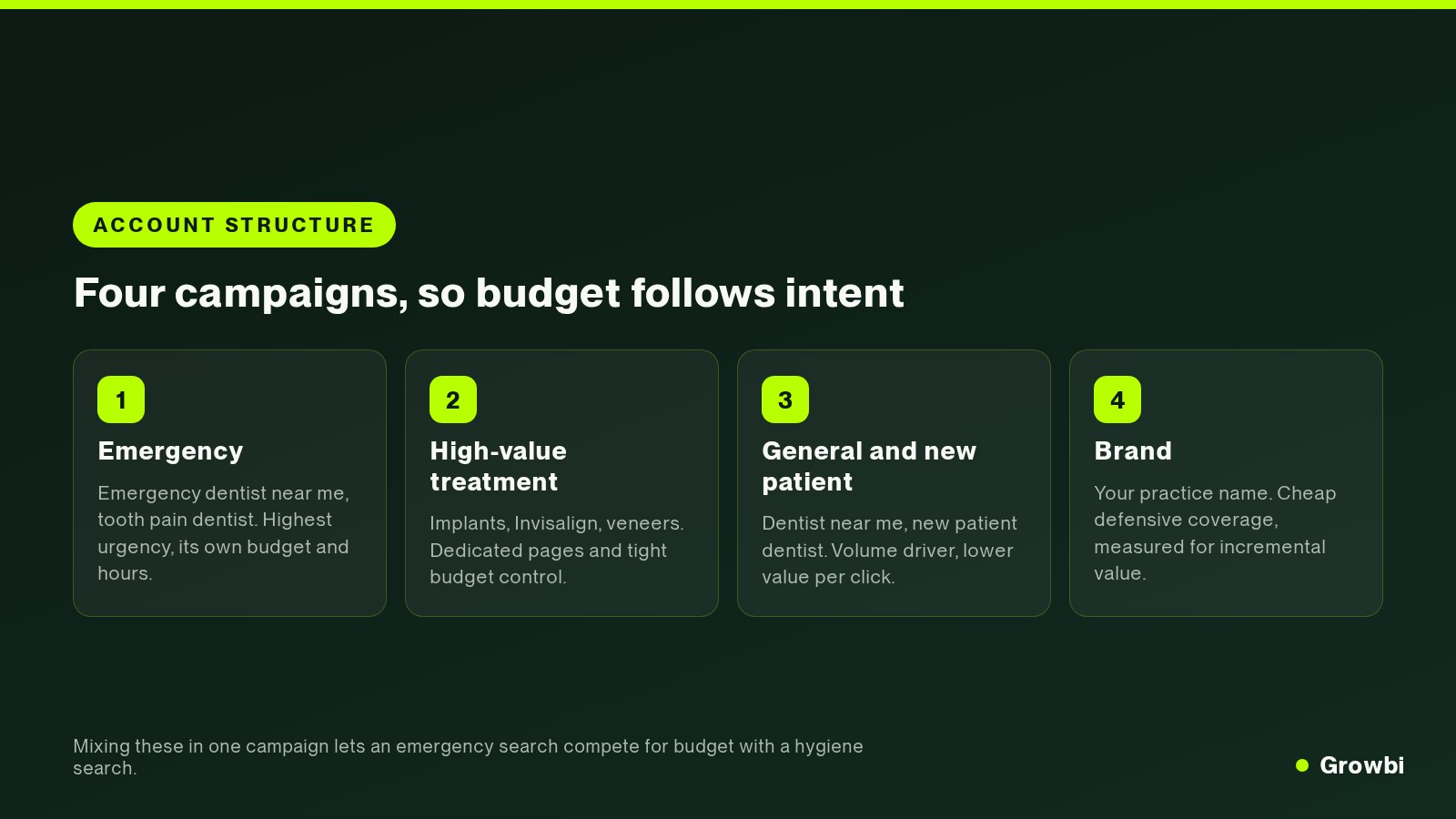
- Emergency. Example searches: emergency dentist near me, tooth pain dentist; Why it runs alone: Urgent calls need their own hours and budget
- High-value treatment. Example searches: dental implants, invisalign, veneers; Why it runs alone: Costly clicks need dedicated pages and a spend cap
- General and new patient. Example searches: dentist near me, teeth cleaning; Why it runs alone: Steady volume at a lower value per click
- Brand. Example searches: your practice name; Why it runs alone: Cheap defense, measured for added patients
One combined campaign lets Google spend the day's budget on whatever converts cheapest. Usually that is a checkup search, while the emergency caller at 4 p.m. finds your ad already switched off.
A separate Google Ads campaign for each intent also gives you clean reporting. You see what an emergency patient costs next to an implant consultation, and you fund each one on its own return on ad spend.
Choosing dental keywords by intent
Bid on searches that show a person is ready to book: a treatment plus a place, an urgent problem, or a request for a dentist near them.
- Ready to book. Example searches: emergency dentist open now, dental implants near me; What to do: Bid, with a landing page per treatment
- Comparing. Example searches: dentist accepting new patients, family dentist in your area; What to do: Bid in the general campaign, watch cost per visit
- Research. Example searches: how long do implants last, what is a root canal; What to do: Leave out of ads, answer on your website
- Irrelevant. Example searches: dental assistant jobs, dental school; What to do: Add as negative keywords
Start your core dental keywords on phrase and exact match. Broad match earns a place later, once Smart Bidding has enough real conversions to learn which searches turn into appointments.
Keyword research tools will suggest hundreds of terms. In the dental campaigns we run, 20 to 40 tight terms per campaign is enough, and the long tail mostly adds spend without adding new patients.
Teeth cleaning and checkup terms belong in the general campaign. They bring lower-value visits, but a cleaning patient who likes the practice is the cheapest route to future treatment.
Negative keywords that protect the budget
Negative keywords stop your ads from showing on searches that will never book. Add them at account level so every campaign shares one list.
- Employment: jobs, hiring, salary, assistant, hygienist course.
- Education: school, training, degree, CE credits.
- DIY: at home, remedy, how to remove, kit.
- Price hunters: free and cheap, unless your offer is built for them.
- Insurance you do not take: plan names your front desk turns away.
- Other practices: competitor names, unless you run a deliberate conquest campaign.
Google's guide to negative keywords states that negatives do not match close variants. Add plurals and common misspellings yourself, such as job and jobs, or hygienist and hygenist.
For the first eight weeks, read the search terms report every week and add what does not belong. In our accounts this one habit saves more spend than any bidding change.
Ad copy that matches the search
The headline should repeat what the person typed, then answer the next question in their head: price, timing, or whether you take their insurance.
For a full-arch campaign, a headline such as “All-on-4 Dental Implants | Free Consultation” follows that rule. Other headlines can pair full-mouth restoration with financing options or a personalized treatment-planning assessment.
Use the free ad assets too: call assets during office hours, location assets for map visibility, and sitelinks to financing and new patient pages. They make the ad larger on a phone screen at no extra cost per click.
Write separate ads for each campaign. An emergency ad that promises same-day appointments and an implant ad that offers a free assessment speak to different patients with different worries.
Landing pages that turn clicks into booked visits
Send each campaign to a page built for that search. An implant ad that lands on the homepage wastes the $8.00 or more you paid for the click.
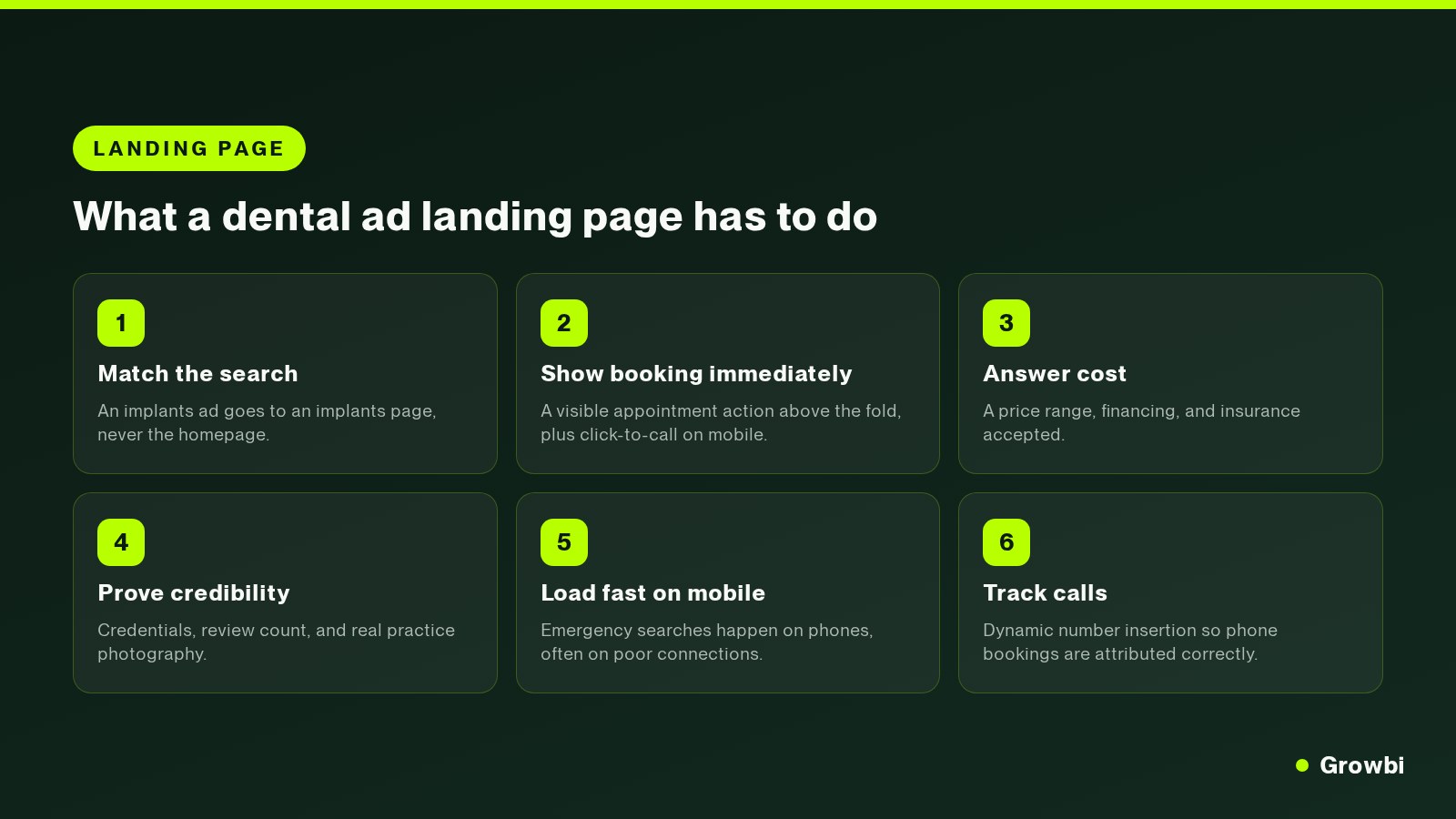
- Match the search. Implant ads go to an implant page and emergency ads to an emergency page, never to the homepage.
- Show booking at once. Put an appointment button above the fold and a tap-to-call number for phone visitors.
- Answer cost. Give a price range, financing options and the insurance plans you accept, since cost is the first question.
- Prove credibility. Show dentist credentials, your review count and real photos of the practice and team.
- Load fast on mobile. Emergency searches happen on phones, often on weak connections, so keep the page light.
- Track calls. Swap in a tracking number so phone bookings are credited to the campaign that produced them.
If your website cannot support pages like these, our guide to dental practice website design covers what to fix first.
Bidding and budget: what to launch first
Launch emergency search and one high-value treatment first, funded well enough to collect real data, before adding the general and brand campaigns.
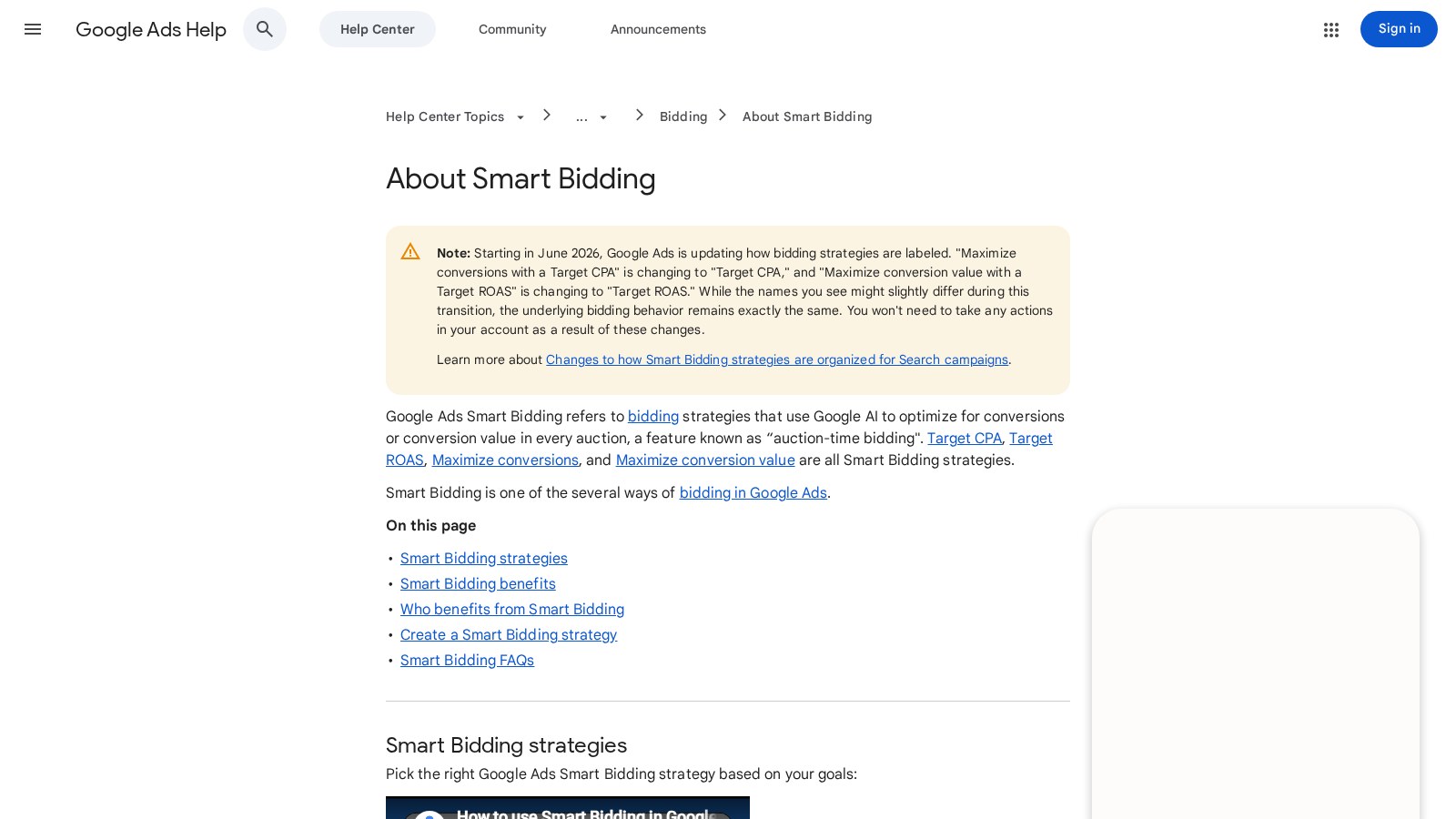
Source: Google Ads Help
- Launch an emergency campaign and one treatment campaign, such as implants or Invisalign.
- Fund both well enough for steady daily clicks instead of splitting a small budget four ways.
- Once you know cost per attended patient for each, move money to the stronger one.
- Add the general new patient campaign, then brand, once tracking is proven.
For a starting figure, work backwards from the new patients you want, the share of leads your front desk turns into attended visits, and your cost per lead. The budget breakdown for 30 new patients a month walks through that math.
Tracking calls, bookings and started treatments
Google Ads optimizes toward whatever you count as a conversion. Count form fills only, and it will find more form fills, including people who never book.
- Calls: call tracking swaps in Google forwarding numbers on your site and counts a call only when it lasts longer than a minimum length you set.
- Forms and online booking: tag each one with the campaign that sent the visitor.
- Appointments: each week, match booked and attended visits back to the campaign in your practice software.
- Treatment: upload attended visits and started cases as offline conversions so bidding learns what a real patient looks like.
Google's help page on offline imports reports that advertisers who added first-party data such as emails and phone numbers to those uploads saw a median 10% increase in conversions over standard imports.
This is the step most practices skip, and why we judge marketing on production. See why your agency should track production, not leads for the report we use. If you want your setup checked, book a free 15-minute call.
Where Google Ads fits next to Meta and local services ads
Google search harvests demand that already exists. Meta creates demand for elective treatment, and local services ads add a pay-per-lead listing above the search campaigns.
For most practices we start with search, then add Meta once search books patients at a cost the owner accepts. Our comparison of Google Ads and Facebook ads for dentists covers how to split money between the two.
Local services ads suit emergency and general dentistry, where a phone call is the goal. Treat them as a fifth line in the report with their own cost per booked patient, not as a replacement for your search ad campaigns.
FAQs
Is $20 a day good for dental Google Ads?
$20 a day is about $608 per month. At LocaliQ's $8.00 average dental click and 10.67% conversion rate, that buys roughly 76 clicks and 8 leads. It is enough for one tight emergency or general campaign, but too thin for implant terms, where each click costs more.
Should dentists use Performance Max?
Only after a search campaign is profitable and call and booking tracking is reliable. Performance Max spreads spend across all of Google's placements with less control over where it goes, which makes it a poor first campaign for a single-location practice.
How long do dental Google Ads take to work?
Ads start showing within days of approval, so calls arrive in the first week. Treat the first two months as a learning period: add negatives weekly, fix the landing page, and collect enough bookings to judge each campaign on cost per attended patient before raising the budget.
Conclusion
Dental Google Ads reward structure. Split campaigns by intent, keep the negative keyword list growing, and send every click to a page that answers price and booking for that exact treatment.
Then measure past the lead. The number that justifies more spend is cost per started treatment, set against what each case is worth.
If you want those numbers for your own practice, book a free 15-minute call. Bring 90 days of spend, calls and booked patients, and we will show you your cost per started treatment by campaign.
Mor Romano
CTO, Growbi
Written and fact checked by Mor Romano, published , last reviewed .
More about Mor RomanoGet this system built for your business
Book a strategy call and we will model a realistic appointment target from your budget, market, and offer.
Keep reading
Google Ads vs Facebook Ads for Dentists: Cost, Intent and When to Use Each
Dental Patient Acquisition Cost: How to Calculate and Lower It

Dental Marketing Budget: What 30 New Patients a Month Really Costs
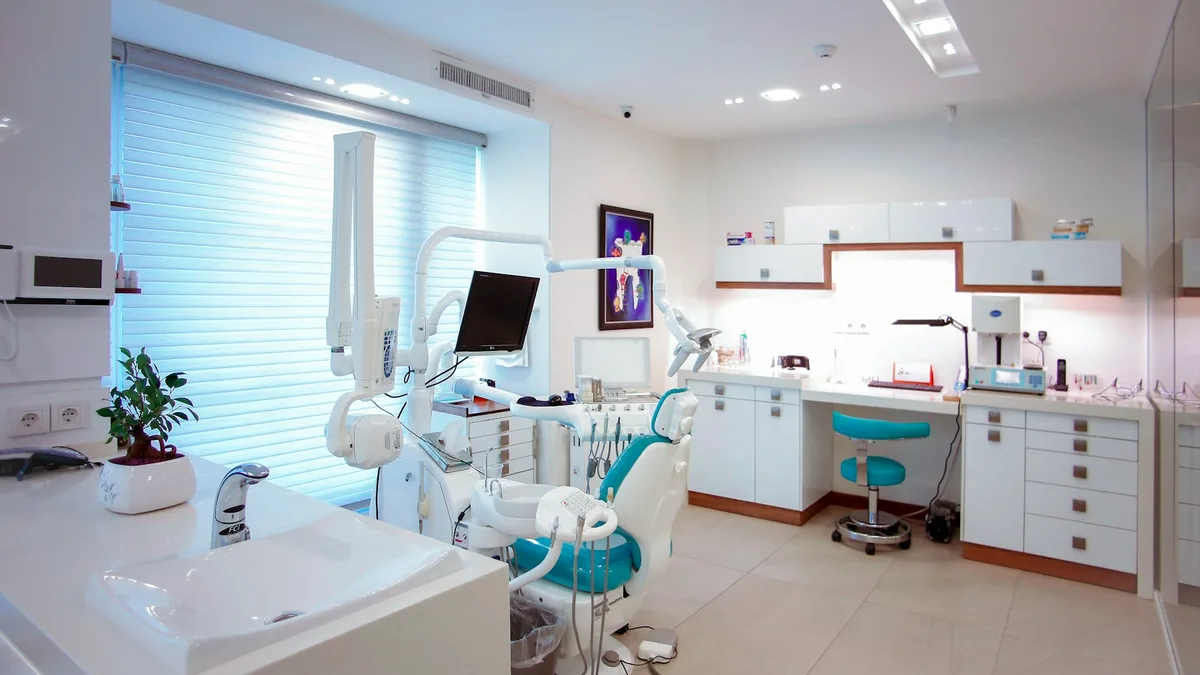
Dental Marketing Agency: Why Yours Should Track Production, Not Leads
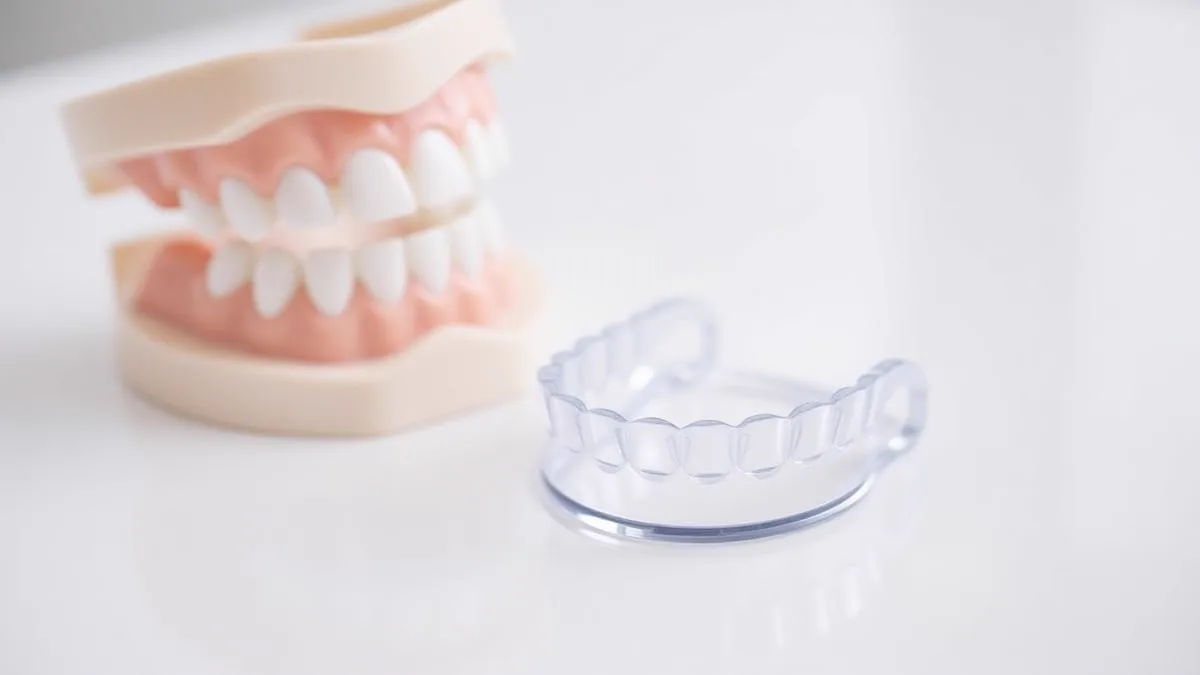
Invisalign Marketing: 9 Strategies Dentists Use to Fill Aligner Cases
How Much Do Google Ads Cost for a Local Business in 2026?